


June’24 & July’24 Feature Update
Bank-Level Outages Monitoring in UPI
This new feature is designed to provide you with more granular insights into the downtime of UPI services across different banks.
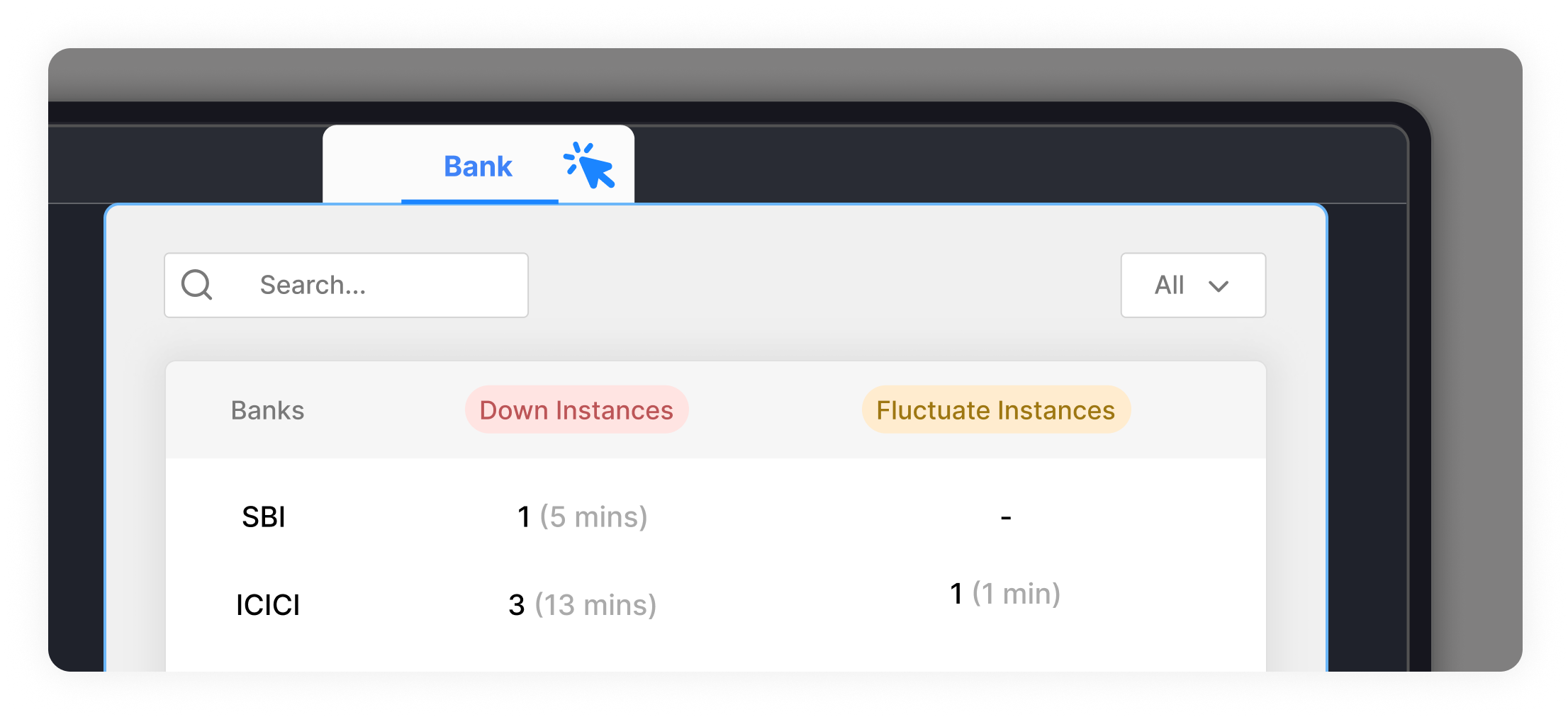
Detailed Insights: You will now be able to monitor outages and performance issues specific to individual banks. This allows for a more precise understanding of any disruptions in the UPI network.
Real-Time Updates: Receive real-time notifications about any outages at the bank level, enabling you to take swift action and mitigate any potential impact on your business operations
Smart Search Bar
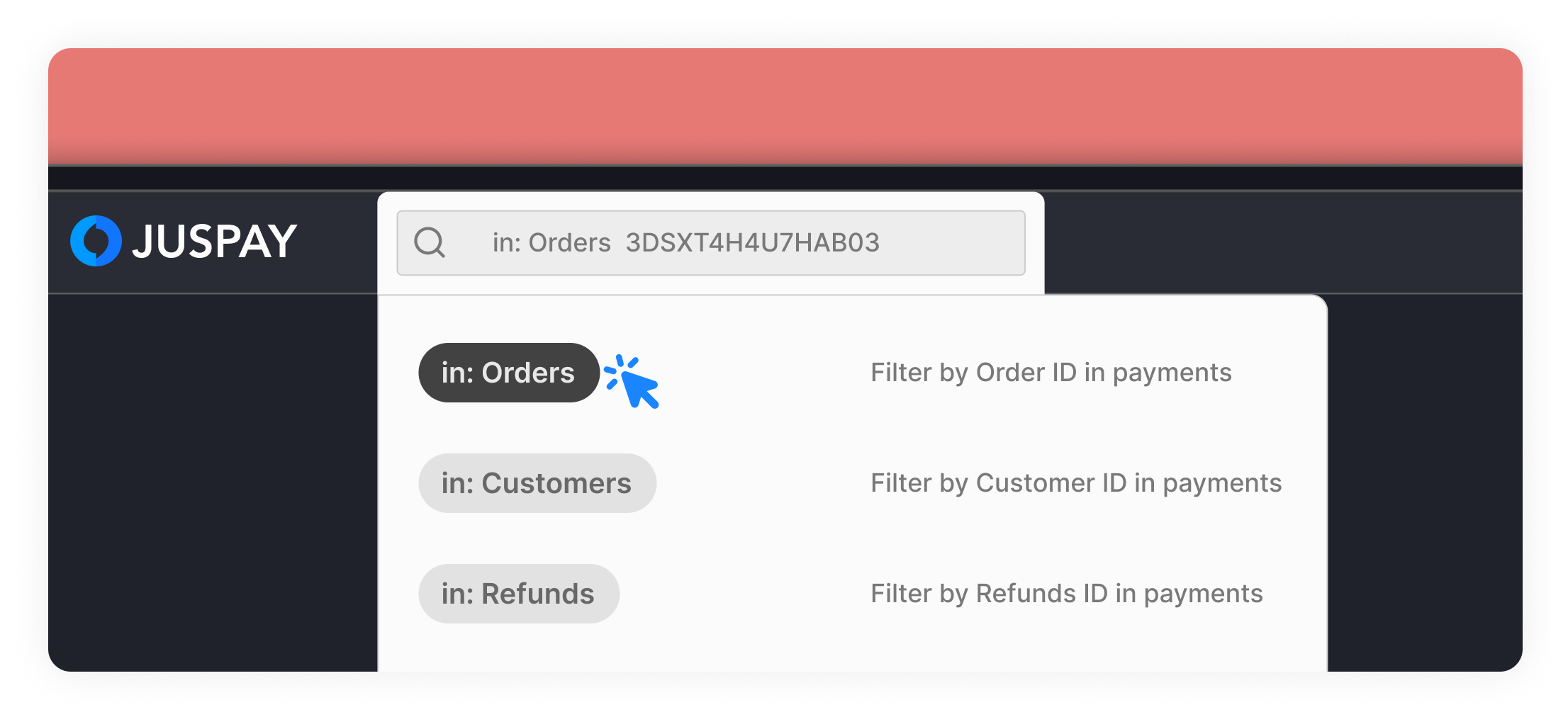
We have launched our new Smart Search Bar, positioned conveniently at the top of your dashboard. With this feature, navigating through your dashboard has never been easier or more intuitive.
No more clicking through multiple menus or tabs – just type, search, and go!
Key Features:
Effortless Module Navigation: Instantly locate any module within your dashboard by simply typing its name into the search bar. Whether you're looking for orders , Analytics, or settings, our Smart Search Bar will guide you there in seconds.
Streamlined Order and Customer Search: Need to find specific orders or customers quickly? No problem. You can now search for order IDs, customer IDs, or even refund unique request IDs directly from the search bar, saving you valuable time and effort.
Mandate ID Lookup: Easily access mandate details by searching with their unique Mandate IDs.
Refund ID Lookup: Easily access refund details by searching with their unique refund IDs.
Time Range Comparison in Analytics
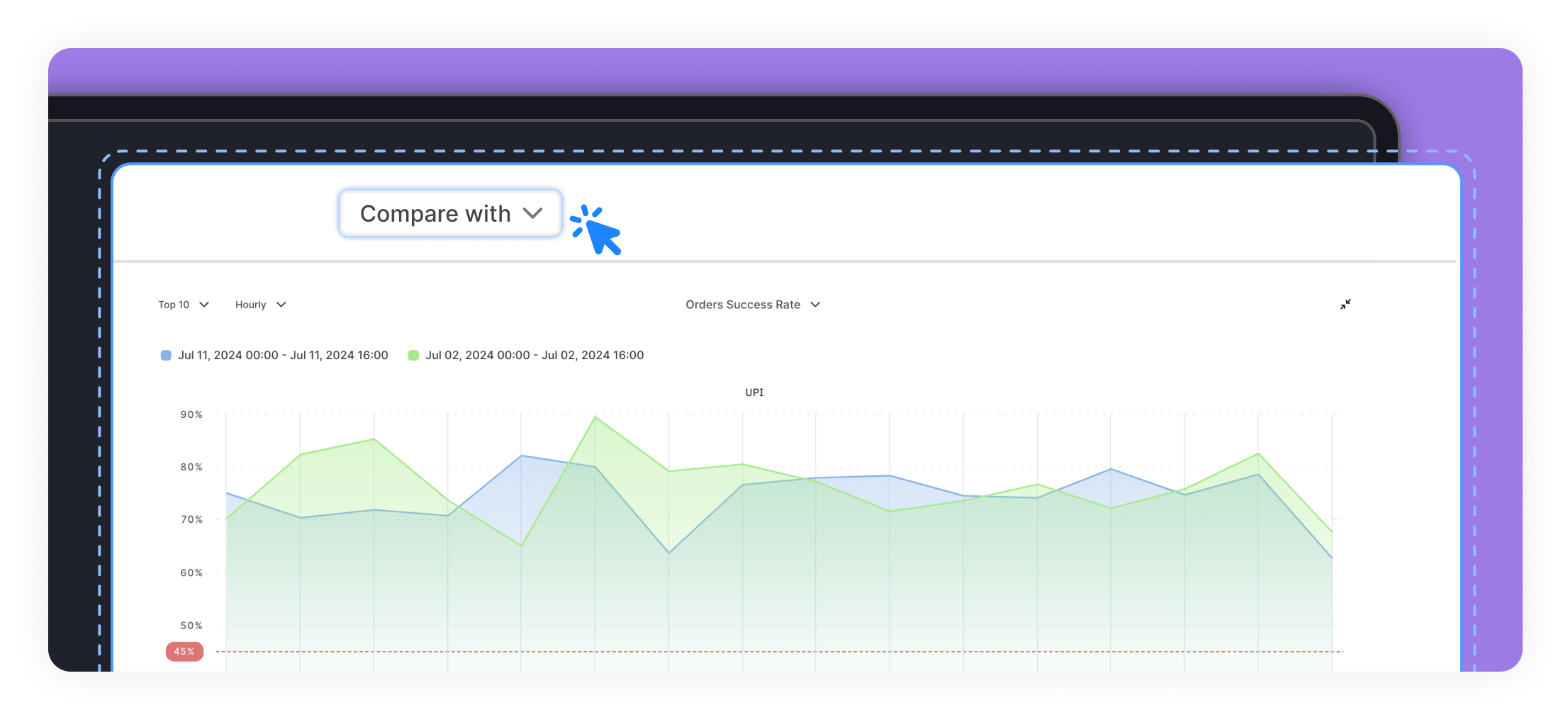
Now you can compare current periods with previous periods to gain deeper insights into your business performance.
Single Stats Comparison: View the delta between the current period and the previous period selected. This helps you understand the growth or decline in specific metrics at a glance.
Trend Charts: Compare trends over time by viewing charts that juxtapose the current period with the previous period. This visual representation makes it easier to spot patterns and anomalies.
Tables: Analyze the absolute or percentage change over time in a tabular format. This detailed view allows for precise and comprehensive performance tracking.
Saved Filter Views
This functionality is designed to streamline your workflow, allowing you to save, manage, and apply filters more efficiently than ever before.
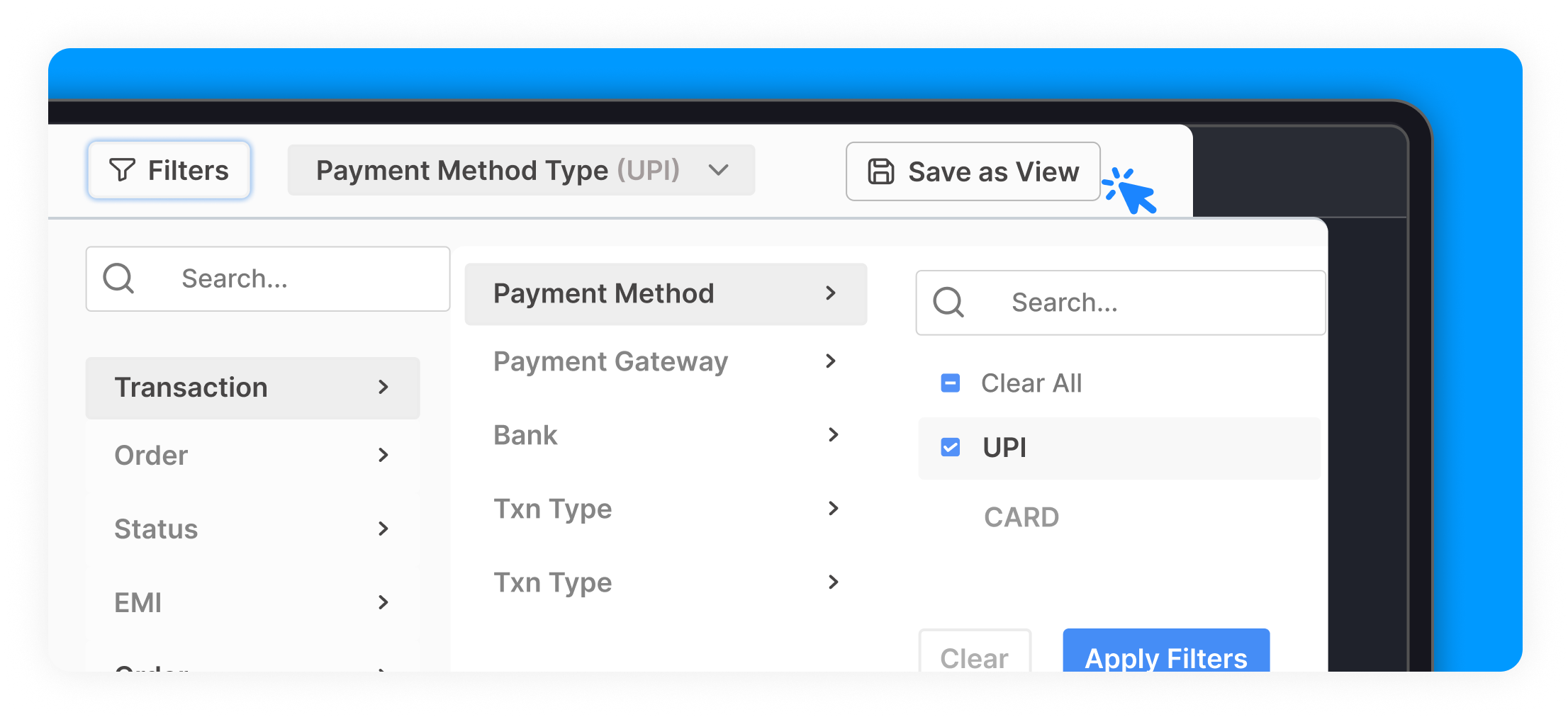
Save Different Filters as Views: Now you can save different types of filters as individual views, making it easy to apply your preferred settings without having to reselect filters each time.
Share Views: Collaborate seamlessly by sharing your saved filter views with colleagues and team members.
Update Filters and Save to View: Modify existing filters and save the changes to your current view for future use.
Update Filters and Apply Once: Make temporary adjustments to filters and apply them without saving, giving you flexibility for one-time needs.
Rename Existing Views: Easily rename your saved views to better organize and identify them.
Duplicate and Customize Views: Duplicate an existing view, add extra filters, and save it as a new view, allowing for creating new views instantly
Ticket Management.
This feature will enable you to efficiently track and manage the support tickets you have raised, providing greater transparency and control over your interactions with our support team. You can find MyTickets under your profile section.
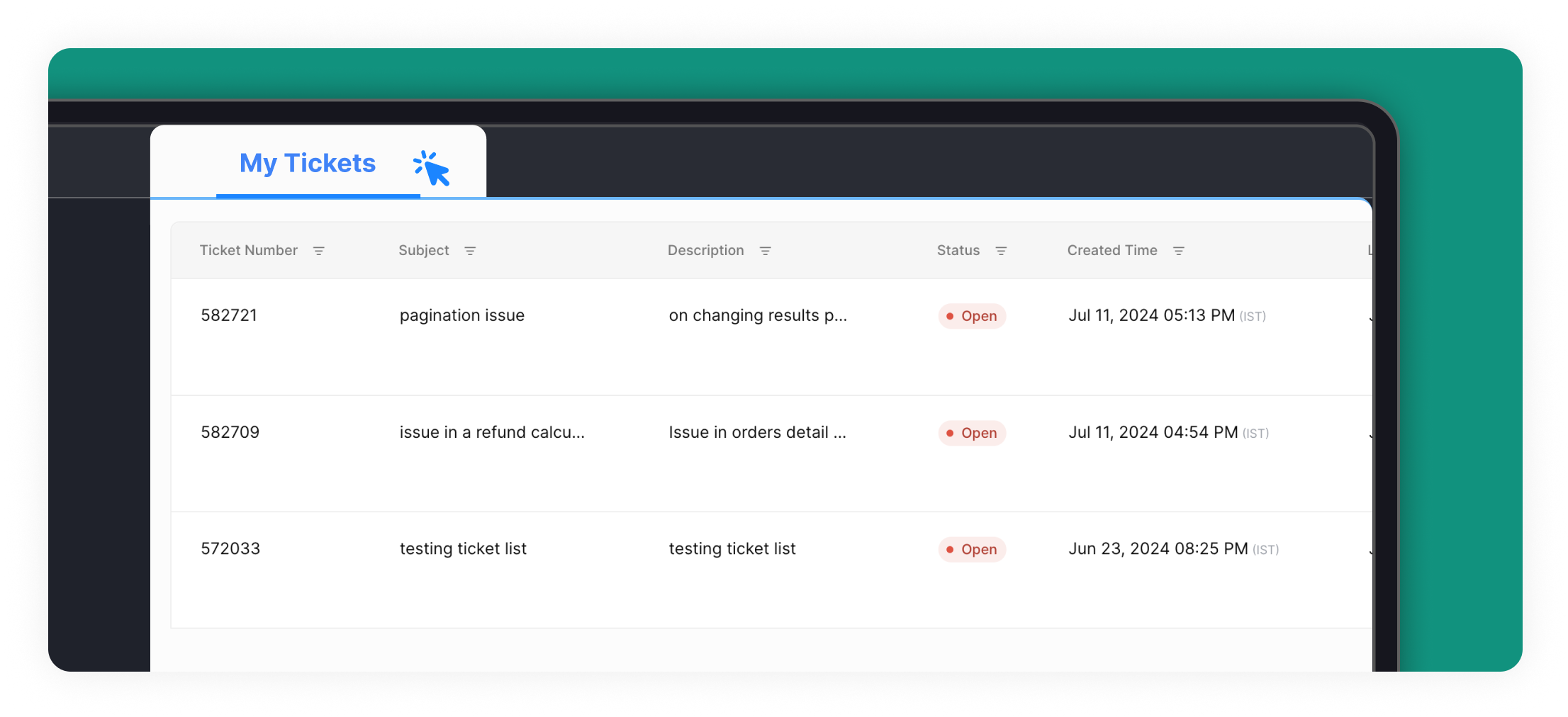
View Raised Tickets: You can now see a list of all the support tickets you have raised directly to us either on email or through dashboard
Track Assignees: Easily view the assignees for each ticket, so you know exactly who is handling your issue.
Monitor Ticket Status: Stay informed about the status and progress of your tickets, ensuring you are always up-to-date on their resolution.