


Loyalty Rewards Integration
Adding the PG on Juspay Dashboard
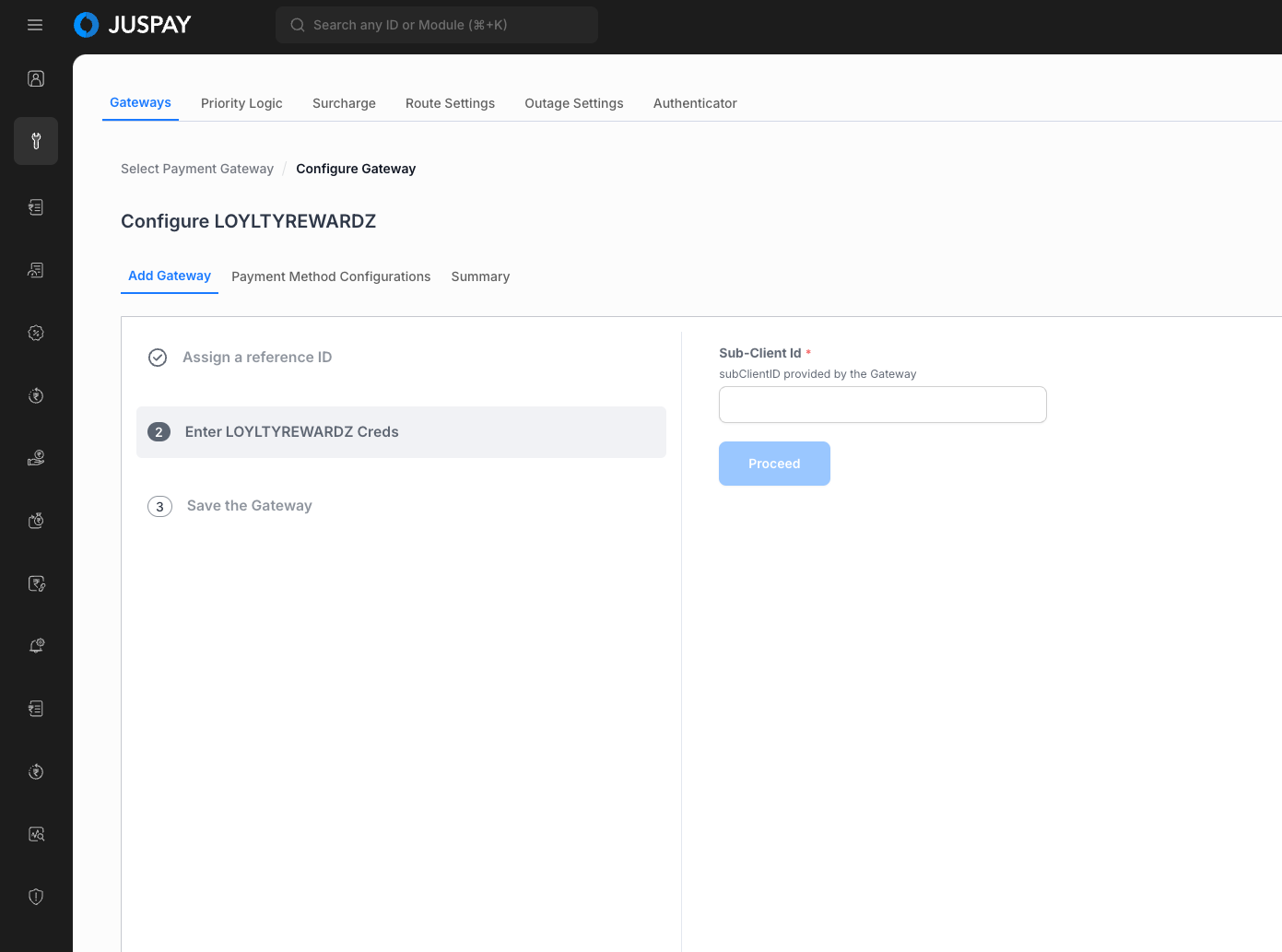
Login to the Juspay Dashboard and open PG Control Centre. Select the
LOYLTYREWARDZgateway and enter the gateway credentials to configure the PG.
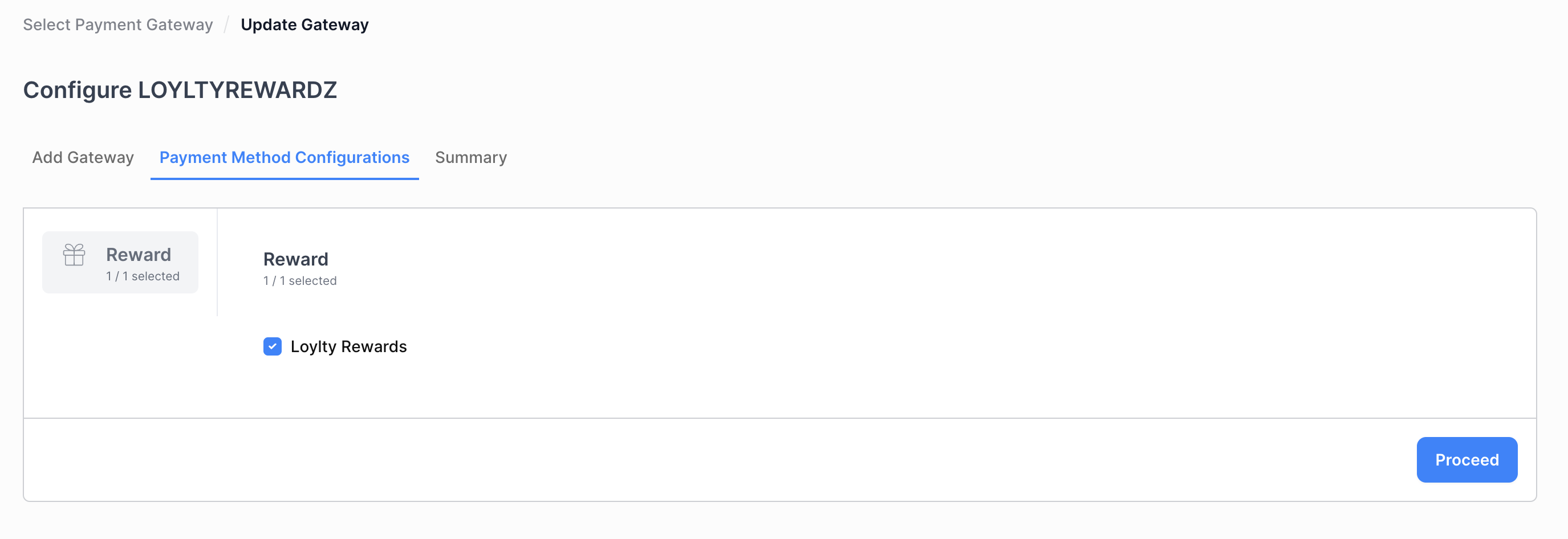
Select
LOYLTYREWARDZReward from Payment Method Configurations
For Loyalty Rewardz, order_id = txn_id config needs to be disabled as each order would have more than one transaction
User Flows
Saved Card Flow
When a user selects the option to "Securely save the card for future payments" and successfully completes a transaction on the merchant app, then the card would be available as a pre-saved payment instrument in all future transactions.
-LtVWv.png)
-i1Mpz.png)
-ULp4M.png)
-LS1WR.png)
New Card Flow
When a user initiates a transaction on the merchant app with a new (previously unsaved) card.
-lf1Ox.png)
-0phoP.png)
-bjzHz.png)
Order Status API
The transaction details will be available in the root structure of the orderStatus (/orders/:order_id) block.
For Loyalty Rewardz integration, merchant needs to handle new order statuses (AUTO_REFUNDED and PARTIAL_CHARGED) and a new array block txn_list in the order status response for the 2 transactions (CARD + LOYLTYREWARDZ).
AUTO_REFUNDED
It indicates that primary card transaction is successful but the
LOYLTYREWARDZtransaction got failed and JUSPAY has called Auto Refund for primary card transaction.PARTIAL_CHARGED
It indicates that primary card transaction is successful but the
LOYLTYREWARDZtransaction is in PENDING state.
Order Status - Sample Request
Order Status Response: Reward Transaction
Order Status Response: Card + Reward Transaction
Refund Handling
Refund requests (full/partial) can be initiated by the merchant at Transaction level or at Order level.
Since the LOYLTYREWARDZ transactions can be split between an existing Gateway and LOYLTYREWARDZ, the merchant can choose between one of the two provisions:
Order based refunds
Merchant will pass
order_idandamount(refund amount) to Juspay.An order may have 2 transactions (Card and LOYLTYREWARDZ), Juspay will try to prioritise card transaction for refund and if the refund amount is greater than card transaction amount then JUSPAY will initiate refund call to LOYLTYREWARDZ.
In case refund amount is lower than card transaction amount than merchant will receive refund response similar to transaction id based refund response
Refund response will include new key
split_refund_details
Transaction based refunds
Merchant would initiate refunds against all transaction Ids, with
txn_idandamountfor each transactionRefund response will remain the same as what merchants currently sees for transaction based refunds. No additional handling required.