


Amazon PayLater (Consumer Finance) Onboarding and API Specifications
Pre-requisites
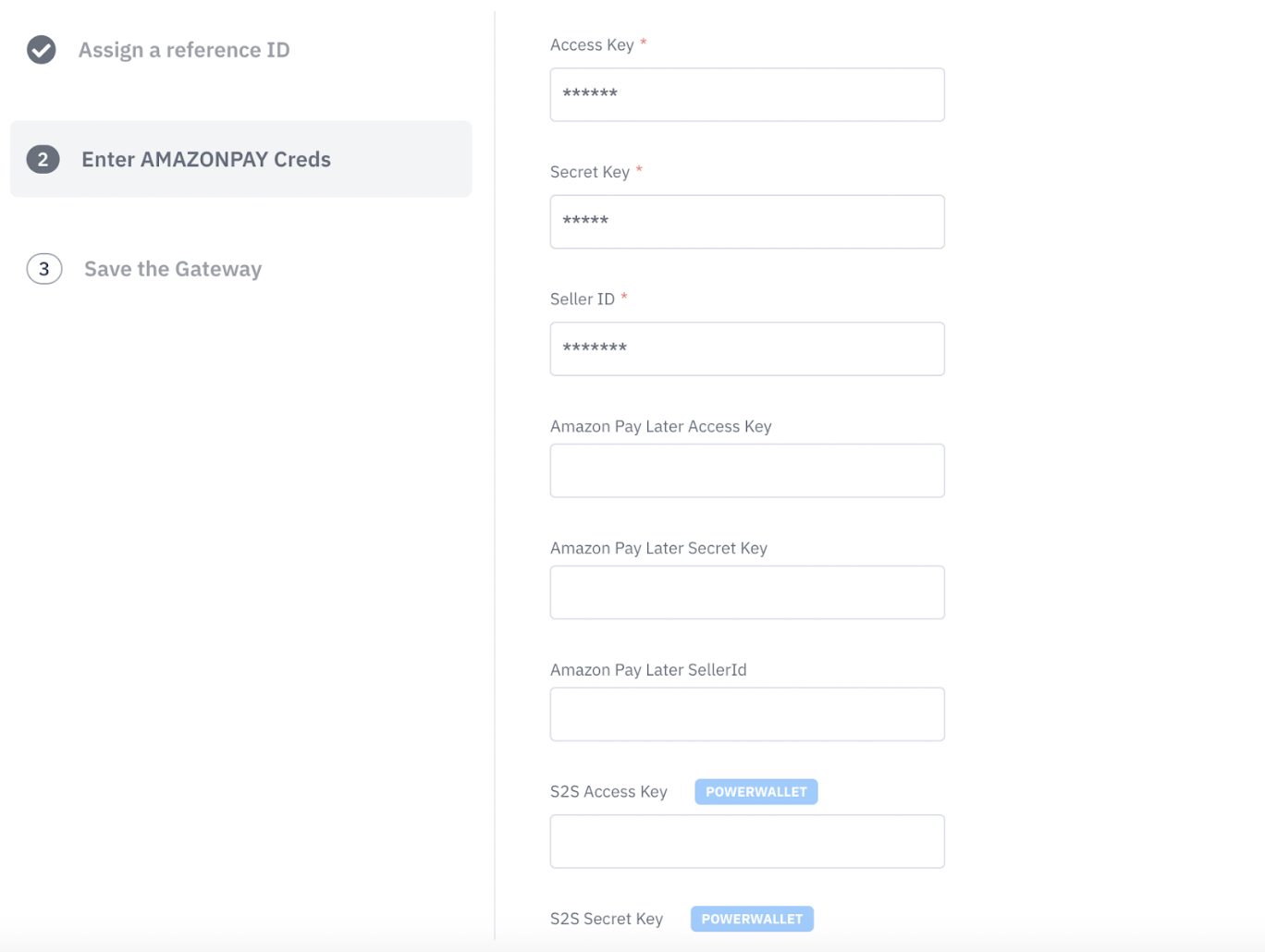
Step 1
Configuring a new gateway account for Amazon PayLater on the Juspay Dashboard
Step 2
Updating existing gateway account to add Amazon PayLater from the Juspay Dashboard
Step 3
Adding Amazon SDK dependency
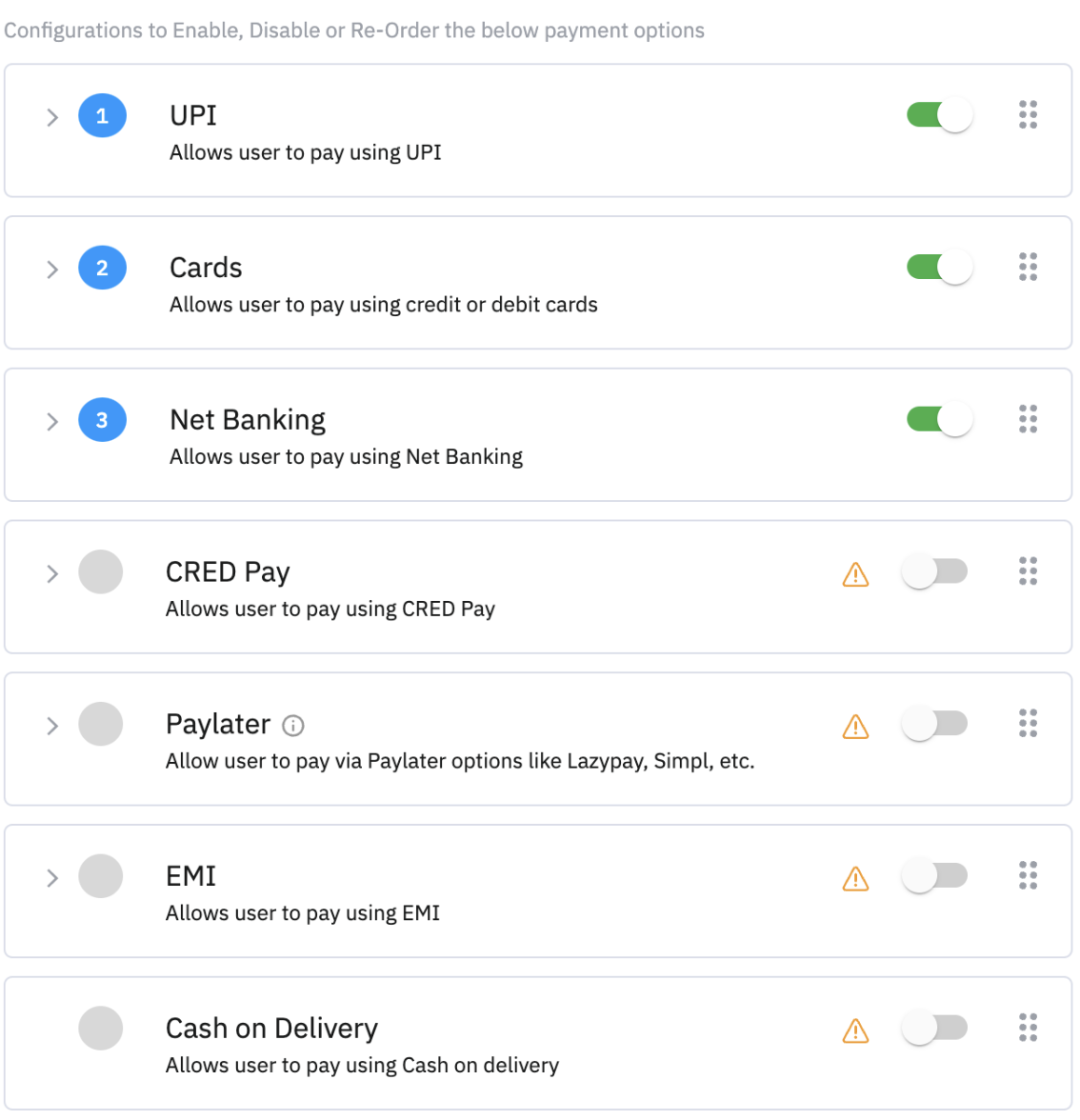
Step 4
Enable Paylater on UI
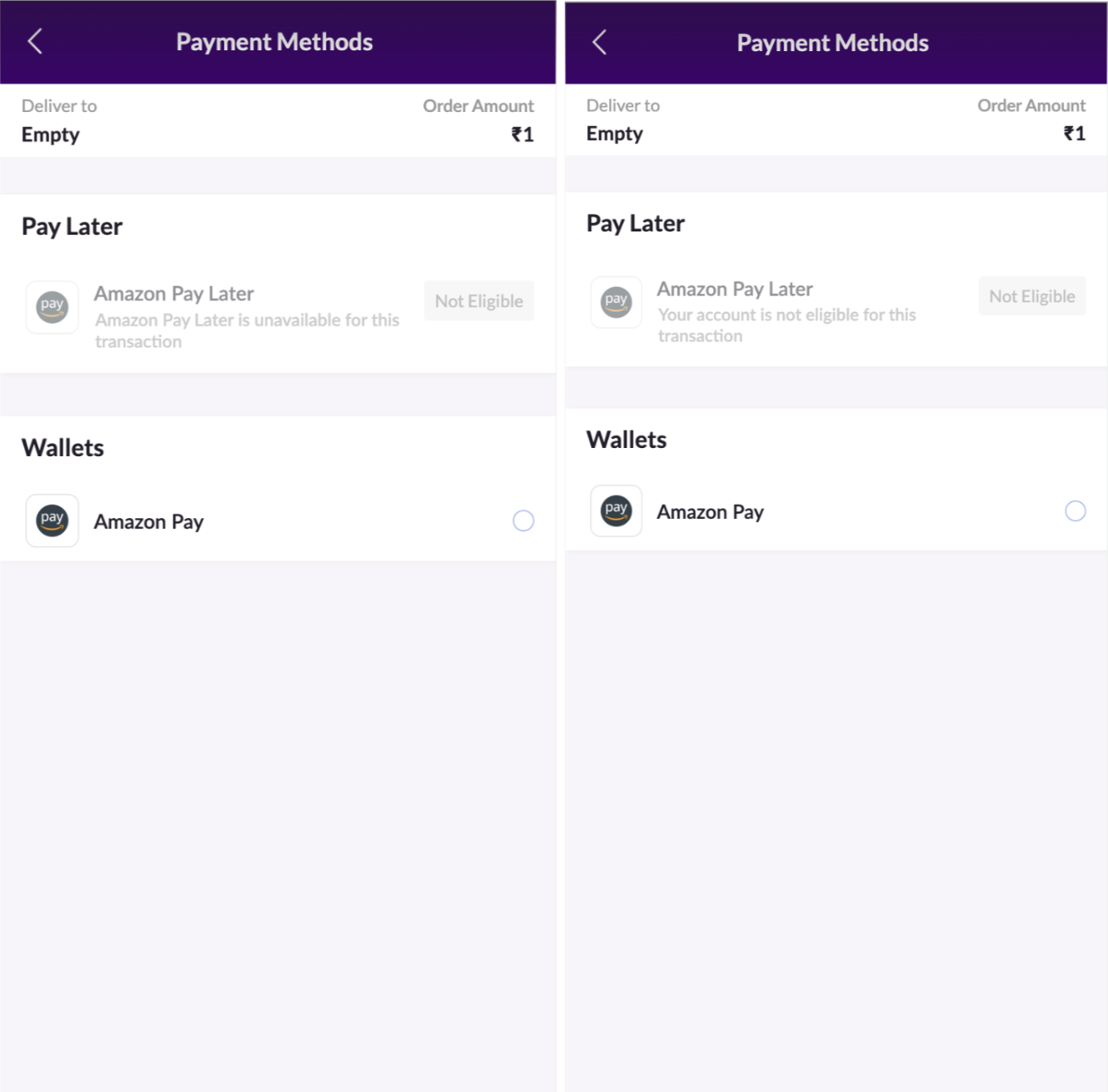
Handling In-eligible Cases
Appropriate error messages will be shown to in-eligible users
Payment Page Request and Response
Invoking Payment Page
After enabling the payment method on gateway control, Amazon PayLater will be shown to eligible users in the PayLater Section.
Sample Session Request:
Sample Response:
Refund Call
Request CURL:
Sample Response:
Order Status Call
Request CURL:
Sample Resposne:
For more details on order create/order status and refund APIs, kindly visit this link
https://developer.juspay.in/reference/create-order-1
Annexure
Webhooks:
To know more about webhooks and their sample responses, please visit this link
https://docs.juspay.in/resources/docs/common-resources/webhooks