


Snapmint SDK Integration
Gateway Configuration
Step 1: Login to your Juspay Dashboard.
Step 2: Navigate to EC Operations » PG Control Center and select Gateways.
Step 3: Click on Create Gateway and select Snapmint from the available options.
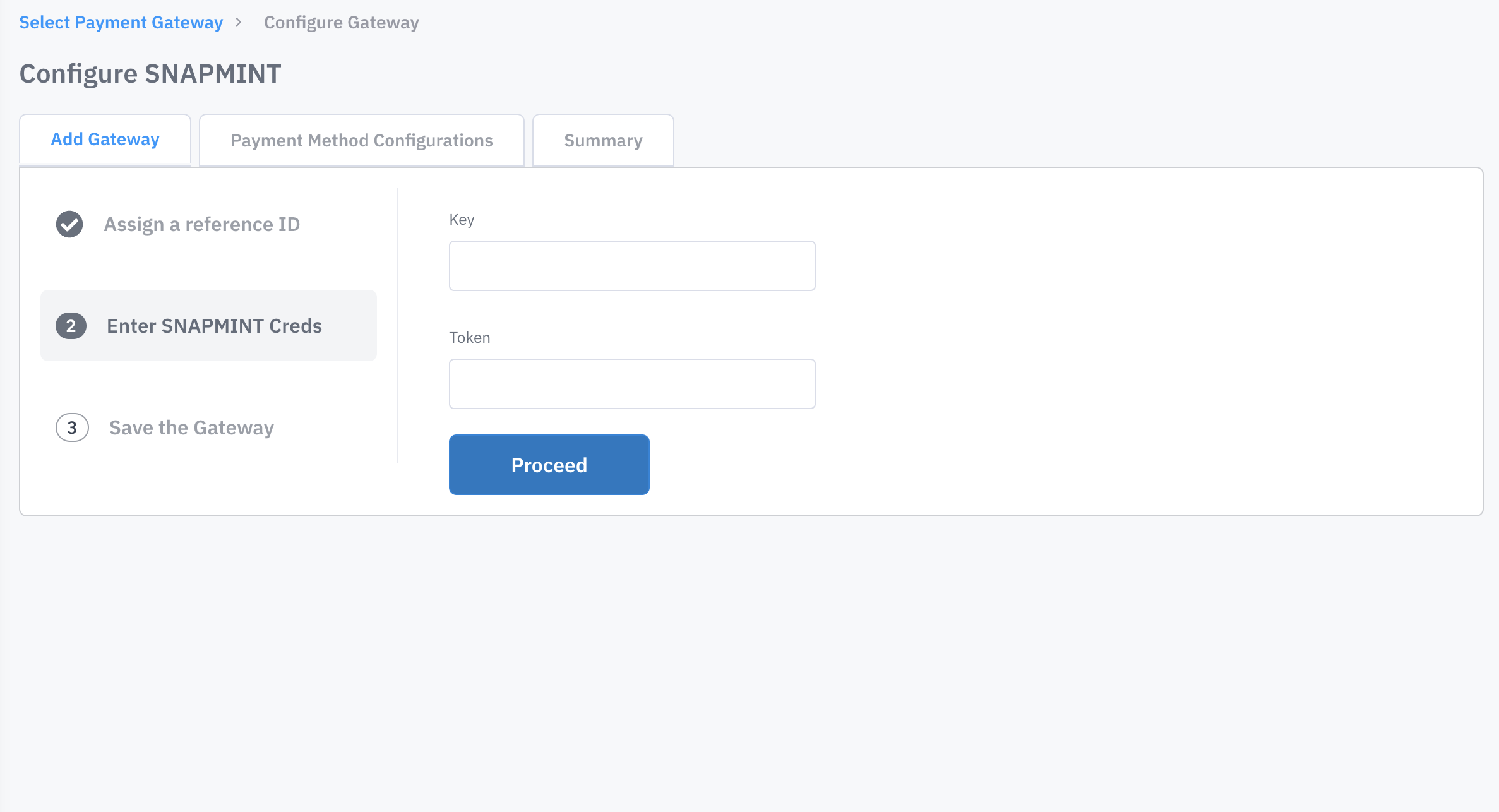
Step 4: Enter Gateway Credentials either in test of live mode as per your requirement. All the fields mentioned here are mandatory apart from Gateway Reference ID.
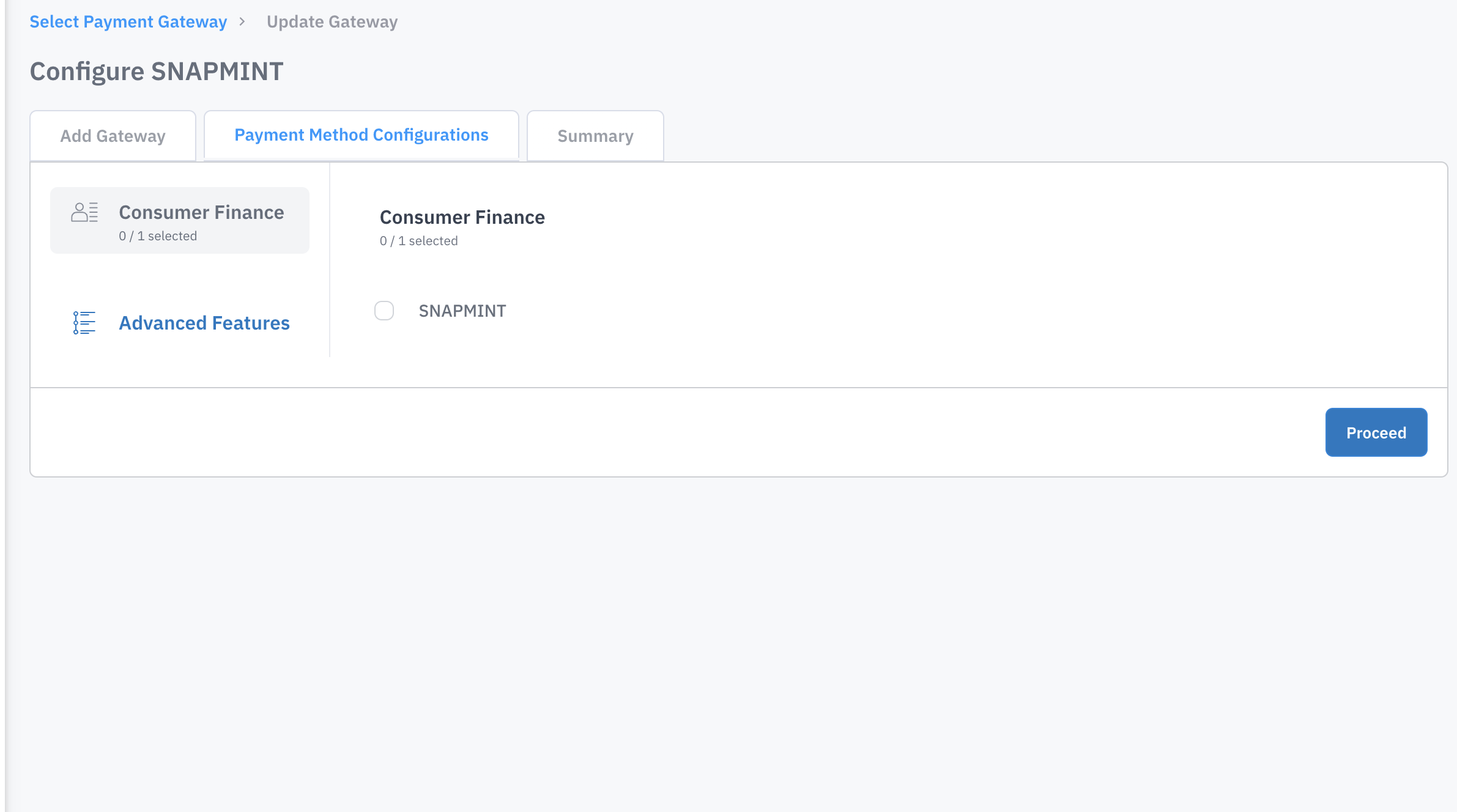
Step 5: Configure Payment method Type as Consumer Finance & payment method as Snapmint.
Order Create Payload Changes
Explanation of Metadata fields Snapmint details.
Scroll inside to view more
|
Fields
|
Explanation of Fields
|
|---|---|
metadata.SNAPMINT:snapmintMaxOrderValue
| Total number of orders placed with merchant
|
metadata.SNAPMINT:snapmintTotalOrderValue
| Sum of value of all orders placed with merchant
|
metadata.SNAPMINT:snapmintMaxOrderValue
| Max of value of all orders placed with merchant
|
metadata.SNAPMINT:snapmintLast3Addresses
| String with max length 1000.Last 3 unique pincodes where orders were placed with the merchant
|
metadata.SNAPMINT:snapmintLastOrderDate
| Date(YYYYMMDD).Last order date for the user
|
Transaction Payload
Order Status
Testing Scenarios (User Flows)
Scroll inside to view more
|
Phone Number
|
Flow
|
OTP, PAN and UPI ID
|
|---|---|---|
7777788888
| OTP Only required
| OTP-1010, Payment gateway select UPI - 7777777777@paytm
|
7878787878
| OTP and Pan Required
| OTP-1010, Pan - APFPJ2575J Payment gateway select UPI - 7777777777@paytm
|
7878787879
| OTP, Pan and KYC Required
| OTP-1010, Pan - APFPJ2575J Payment gateway select UPI - 7777777777@paytm
|
8888888887
| Credit Reject
|