


Amazon PayLater (Consumer Finance) Onboarding and API Specifications
Pre-requisites
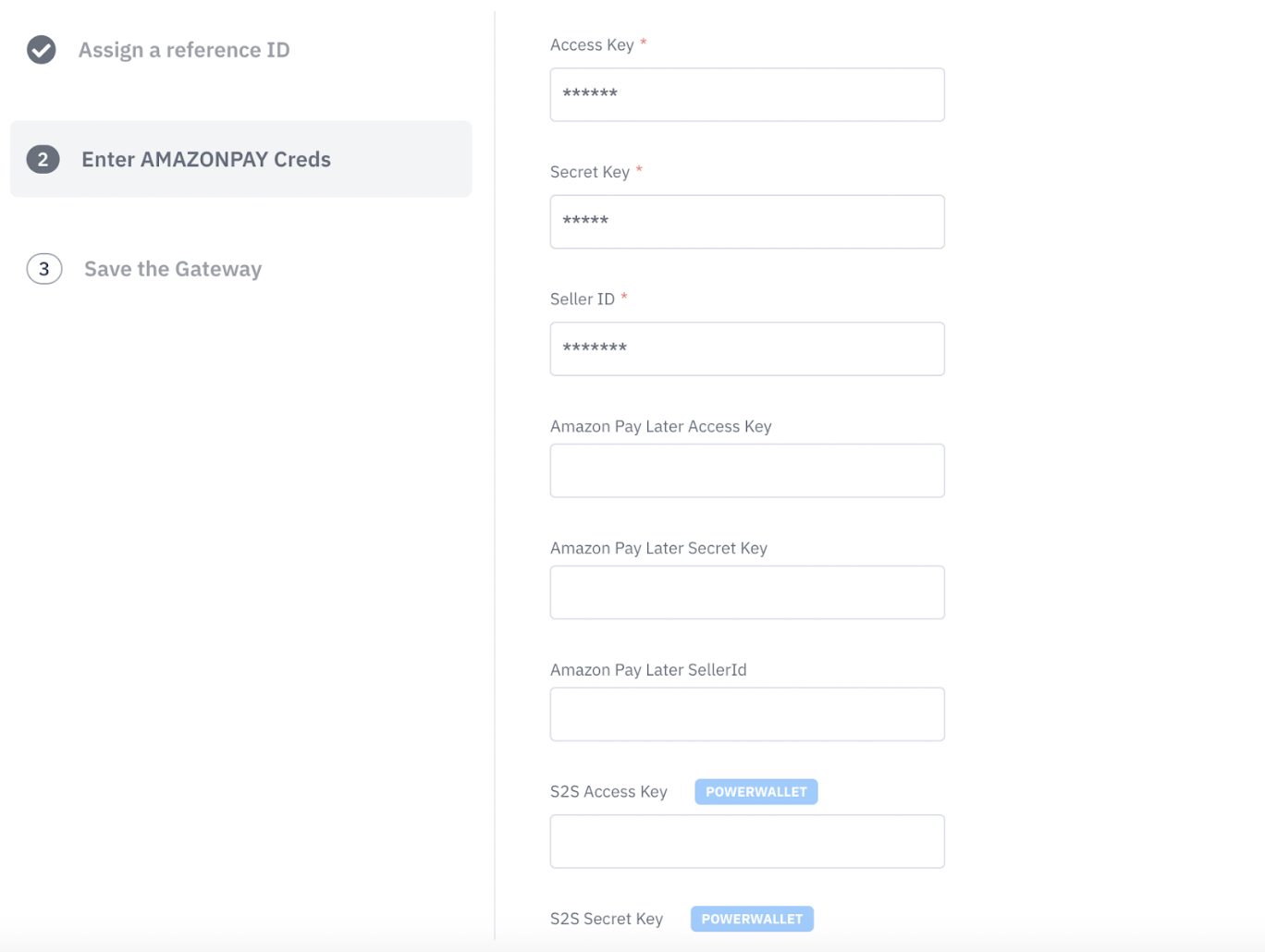
Sample Requests and Response
Checking if Amazon Paylater is enabled by Merchant
Sample getPaymentMethods Response:
Process SDK Call for Rendering Amazon Paylater
Case 1: When the user is eligible but account linking is required:
Sample Eligibility Request:
Sample Eligibility Response:
Please note that "is_eligible” is received as true but gateway error message “linking_required” means that user is eligible for AmazonPaylater but needs to link their wallet.
Merchant has to call link wallet post that to initiate account linking.
Case 2: When the user is eligible and account is linked:
Case 3: For ineligible user:
If the particular customer is ineligible for Amazonpaylater, eligibility call will return the response as false.
Amazon Paylater linking
Sample Linking Request:
Sample Linking Response:
Making a transaction
Sample Transaction Request:
Sample Transaction Response:
Refund Call
Request CURL:
Sample Response:
Order Status Call
Request CURL:
Sample Resposne:
For more details on order create/order status and refund APIs, kindly visit this link
https://developer.juspay.in/reference/create-order-1
Annexure
Webhooks:
To know more about webhooks and their sample responses, please visit this link
https://docs.juspay.in/resources/docs/common-resources/webhooks