Analytics & Monitoring
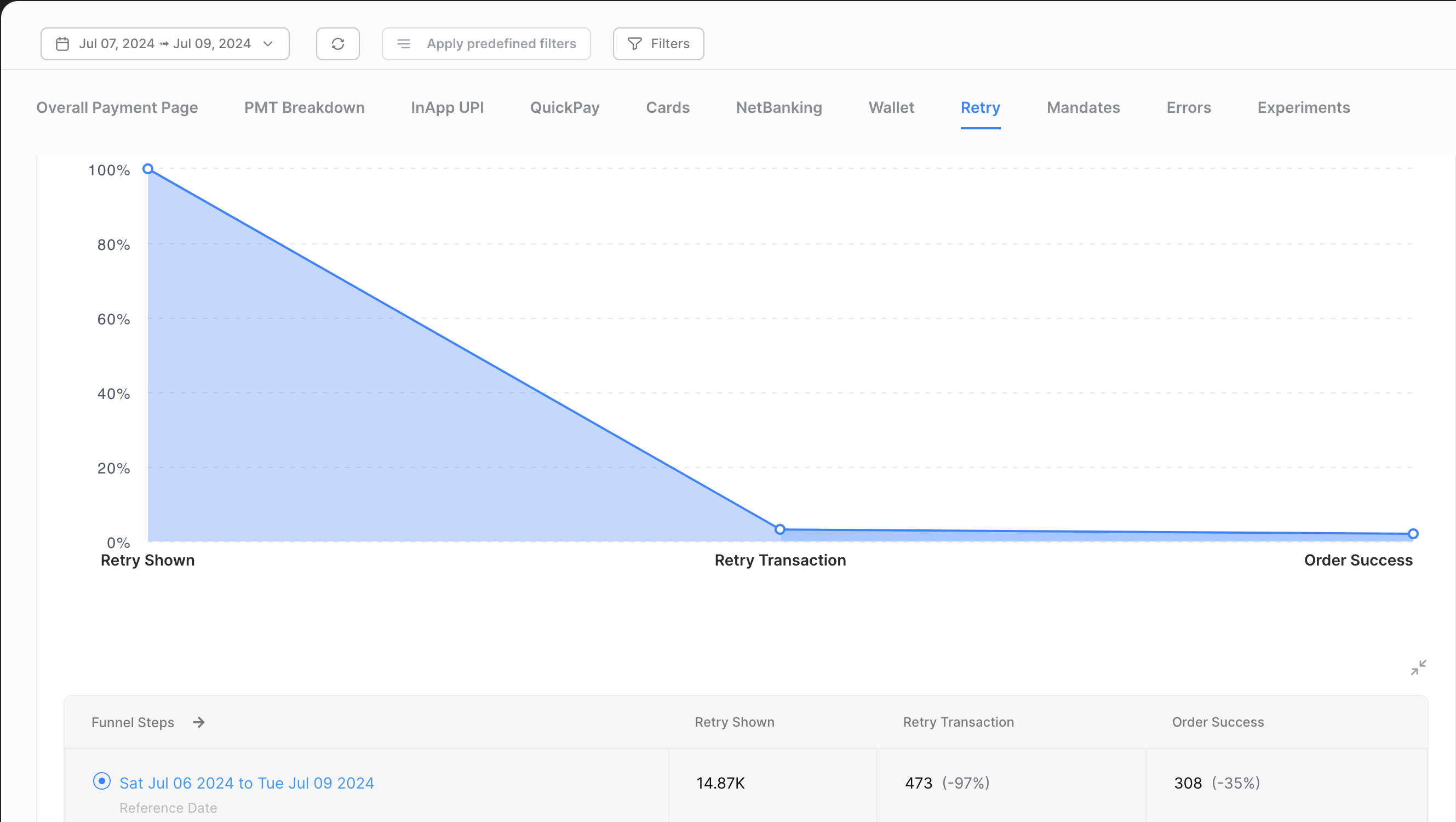
Use the Juspay SDK Analytics Module on Juspay Dashboard to view the traffic volume and success transactions that were processed through Retry flow
Login to the production Juspay dashboard and follow these steps:
1. Navigate to the PaymentPage tab.
2. Select SDK Analytics from the available options and choose Retry.
This will allow you to distinguish between total number of retry option shown and the orders which are successfully processed using Retry flow.