


Amazon PayLater (Consumer Finance) Onboarding and API Specifications
Pre-requisites
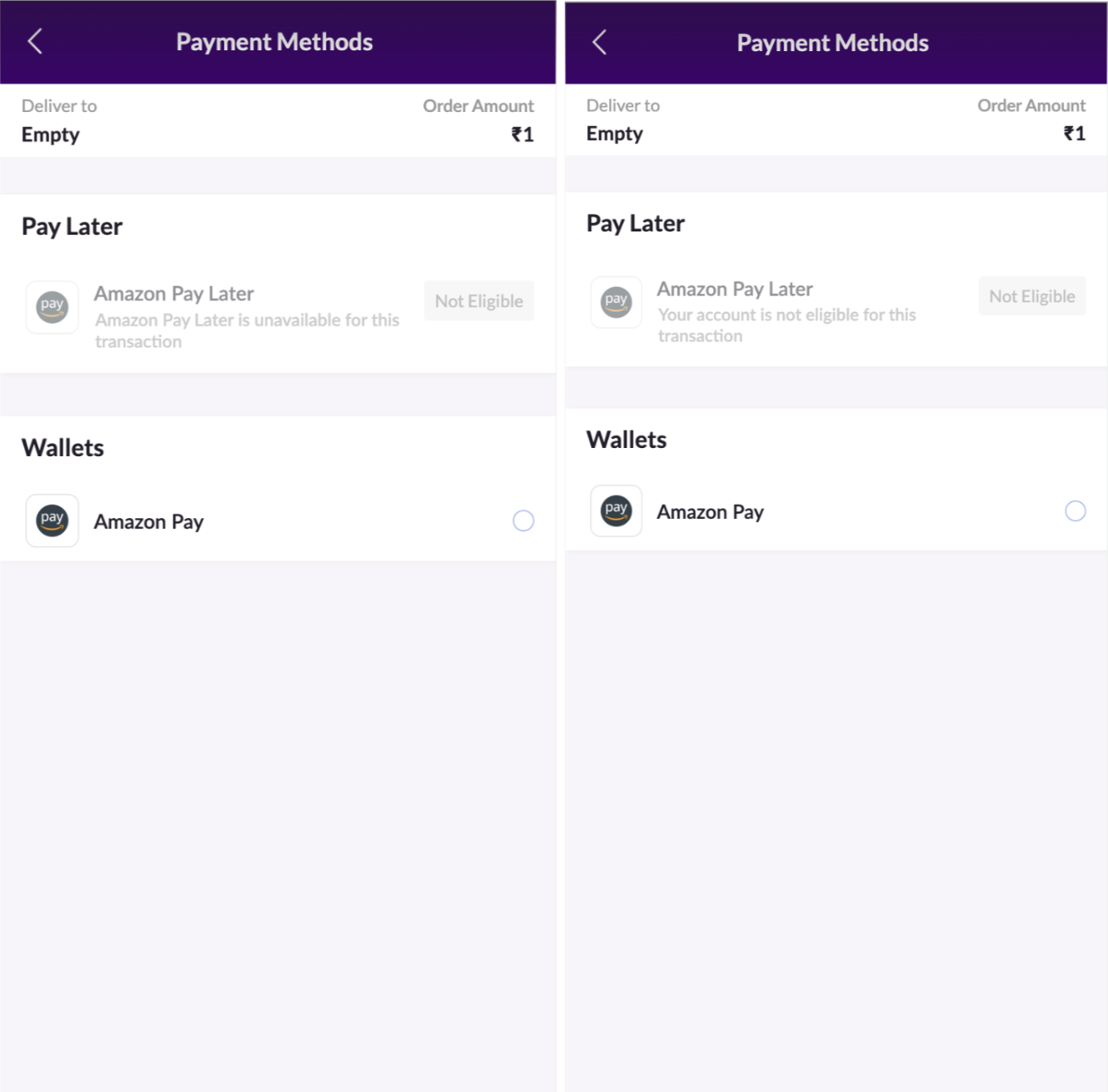
Handling In-eligible Cases
Payment Page Request and Response
Invoking Payment Page
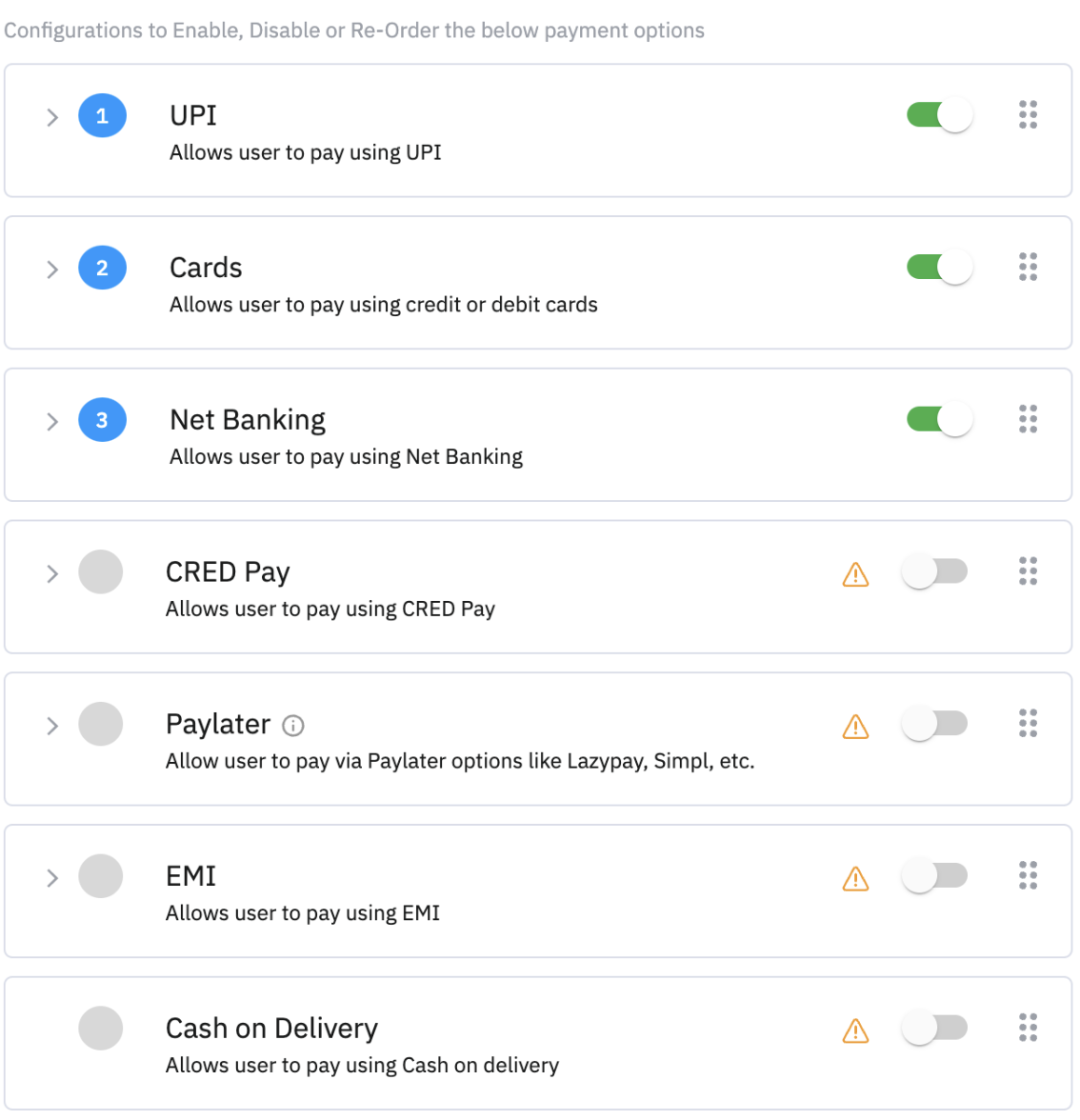
After enabling the payment method on gateway control, Amazon PayLater will be shown to eligible users in the PayLater Section.
Sample Session Request:
Sample Response:
Refund Call
Request CURL:
Sample Response:
Order Status Call
Request CURL:
Pre-requisites
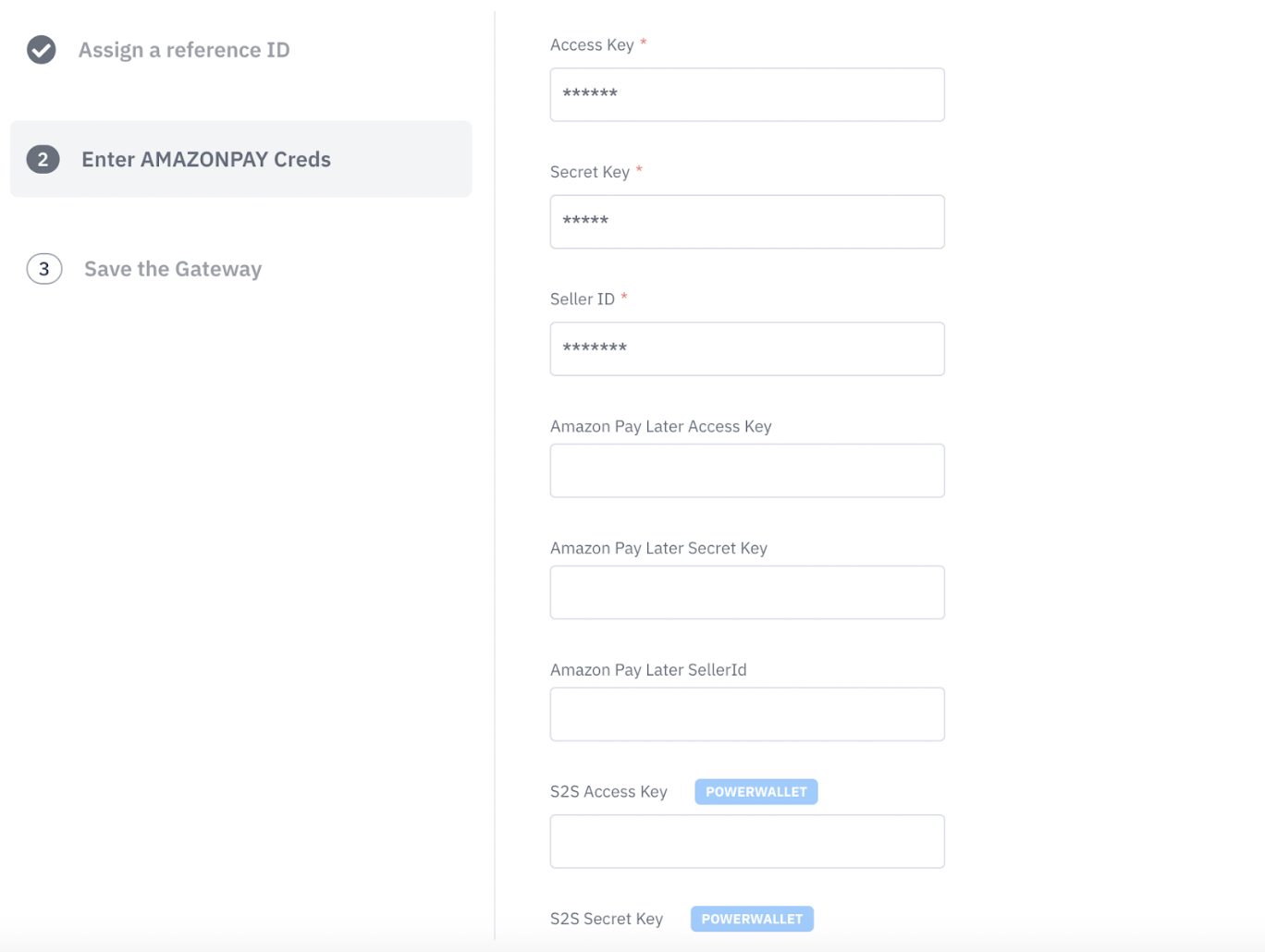
1.1 Updating existing gateway account to add Amazon PayLater from the Juspay Dashboard
Merchants can follow the steps below to add the Amazon PayLater payment method for already configured gateway accounts from the Juspay Merchant Dashboard.
For new merchants configuring Amazonpay, add the keys at the time of gateway configurations. There are 3 extra fields that needs to be added
Amazon Pay Later Access Key, Amazon Pay Later Secret Key and Amazon Pay Later Secret Key
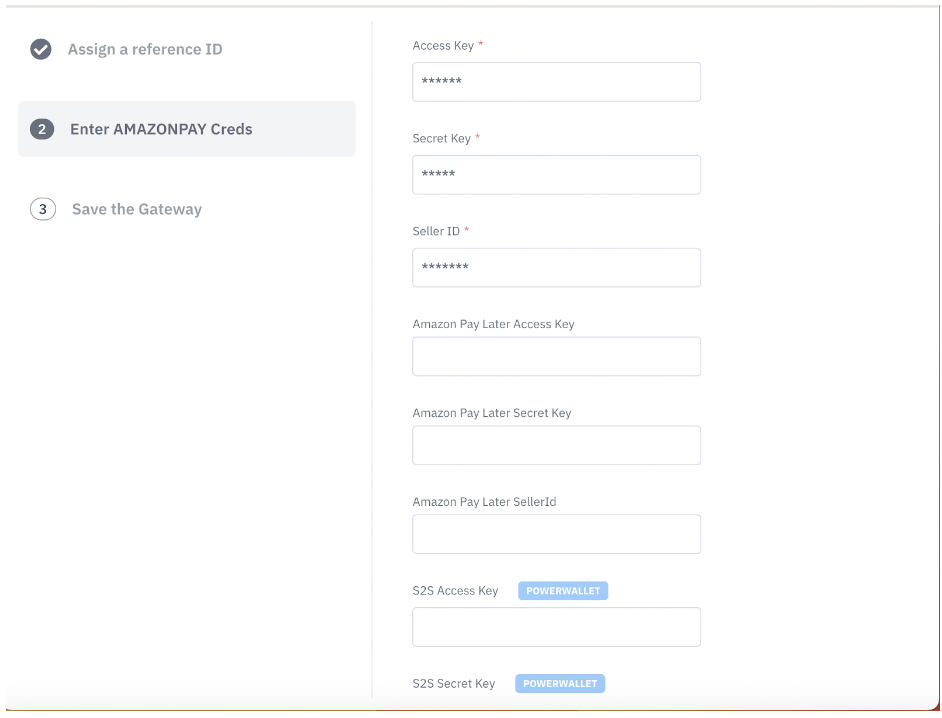
Post adding these credentials, make sure that the flag “should use V2 integration” is turned ON
For already existing merchants with configured gateway Amazonpay, Go to edit gateway configuration and enable the flag Should Use V2 Integration? As TRUE. Add these three fields mentioned above and save