


Generate Keys and Run Sample Project
Merchant must securely generate 2048 bit RSA Public Private Key pair on their servers inside a crypto vault. Merchant must share the Public Key (Key Format-PEM) with the bank during onboarding.
This public-private key pair is crucial for running the project securely.
Warning
Private key must be securely kept in a crypto vault on the merchant servers. Private key should never flow to the client.
1. Generate the Keys
Two sets of Public-Private key pairs are required for encryption. You will generate one such pair and the bank will generate the other pair.
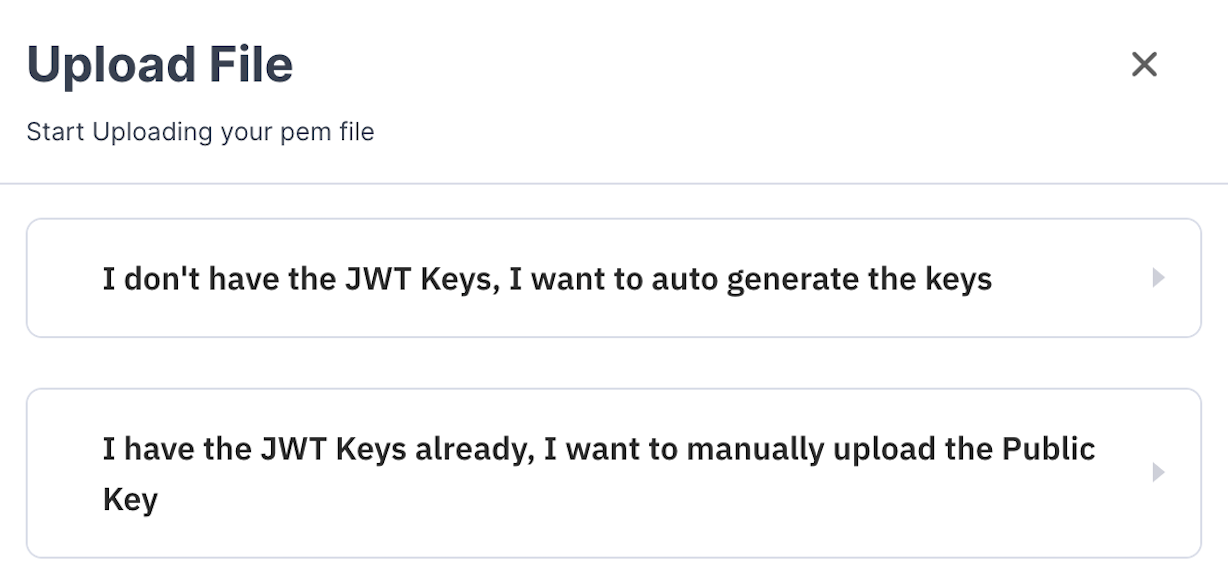
For generating your public-private key, there are two approaches as mentioned below:
Option 1
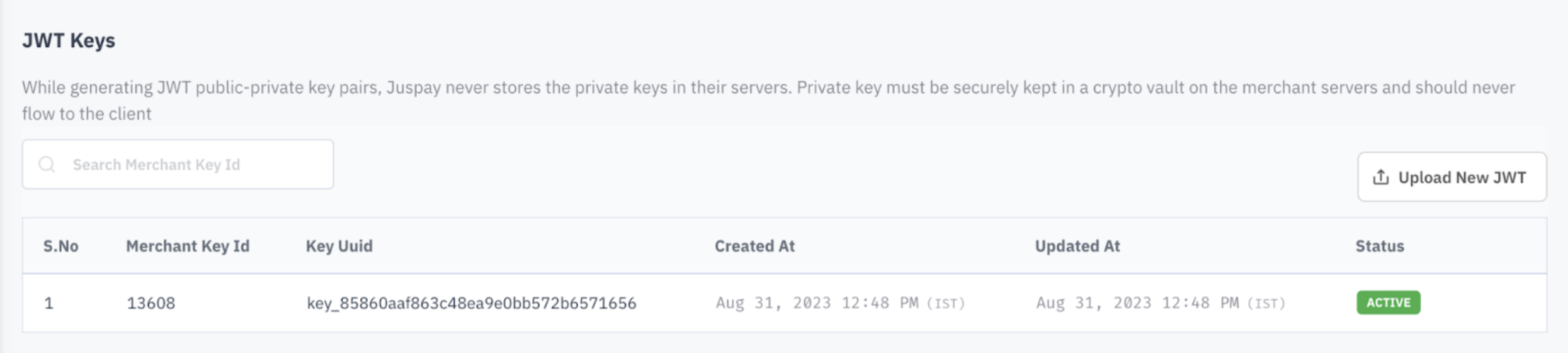
Generate the Keys on SmartGateway Dashboard


.png)

Option 2
Generate the Keys on your Local System
2. Run the Sample Project
Step 2.1
Download the Sample Project file for PHP
Step 2.2
Input File Paths for Keys in 'config.json' file
Step 2.3
Install System Dependencies
Step 2.4
Run the Server