Design Your Payment Page - Juspay Studio
Juspay Studio is a DIY No-Code editor to build customized checkout experiences for your users. Juspay Studio enables you to add in different features like alternate payment methods, brand customizations, and change the order of payment methods on your Payment Page. Now you can create robust flows & improve payment success, all without any code. Follow the below steps
A. How to use Juspay Studio to build your pixel‑perfect payments experience?
Navigate to Juspay Studio
 from the Sidebar.
 That’s it! Now you can start using Studio’s configuration features to customize every element of your payments page.
B. How to Save your work?
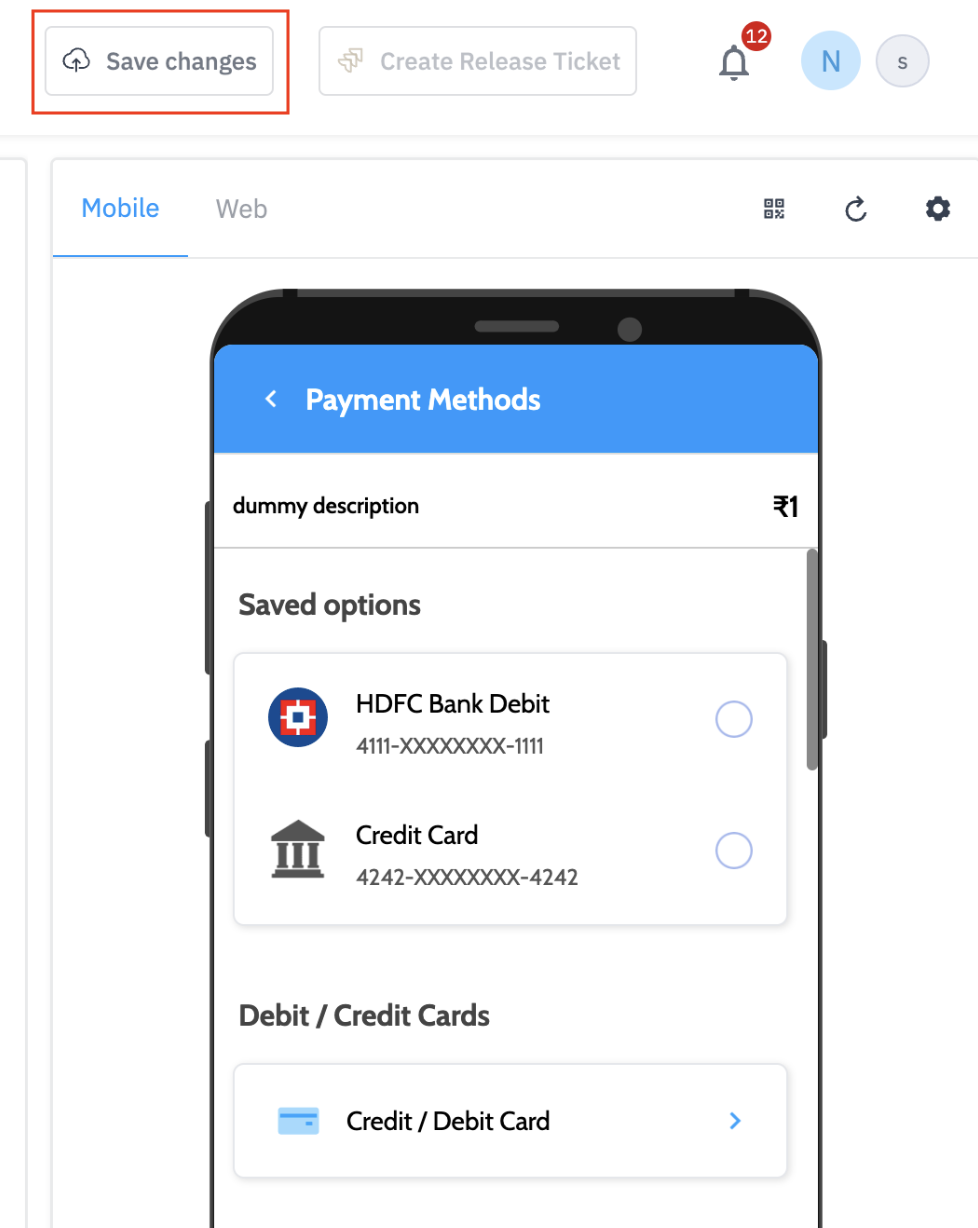
Click on “Save changes” to save your draft.
That’s it! You have saved your Payments Page Design.
Note: Always save your design to avoid losing any progress.
C. How to Publish your Design?
Click on ‘Save Changes’ to save the design of the Payment Page
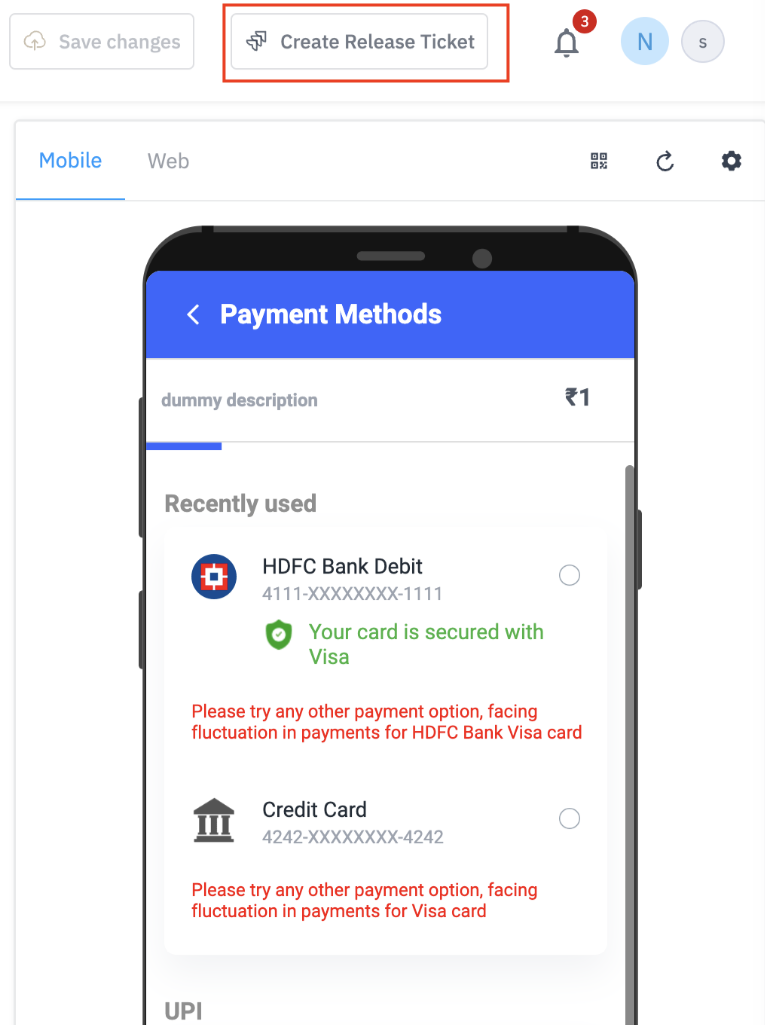
Click on ‘Create Release Ticket’ for submitting the design for review & release by the Juspay team
That’s it! Our team will test and review your design, and you’ll be notified.